How AAPLUSDT Trading Works on Bitunix
Learn how to trade Apple stock on Bitunix with USDT, understand how AAPLUSDT works, and explore volatility, leverage, and risk management for beginners.

Dear Bitunix Users,
You can now download your full transaction history directly from the Bitunix Tax Report page. This feature is built to make crypto tax reporting easier by giving you a clean export you can upload to your preferred tax platform.
With this download, you can export your trading activity for a selected time period and use it to calculate taxable events and generate tax reports based on your local requirements.
[ez-toc]
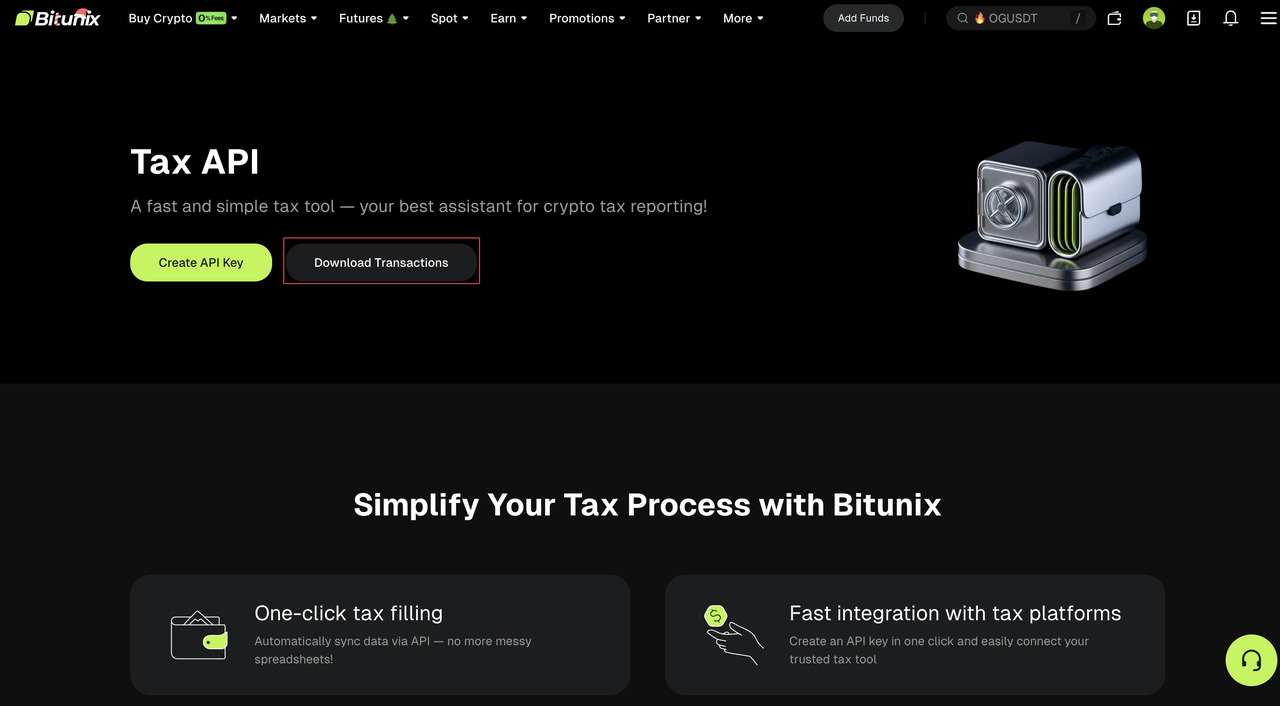
Screenshot of the Bitunix Tax API webpage showing options to “Create API Key” and “Download Transactions,” with a graphic of a safe and sections highlighting one-click tax filing and integration with tax platforms.
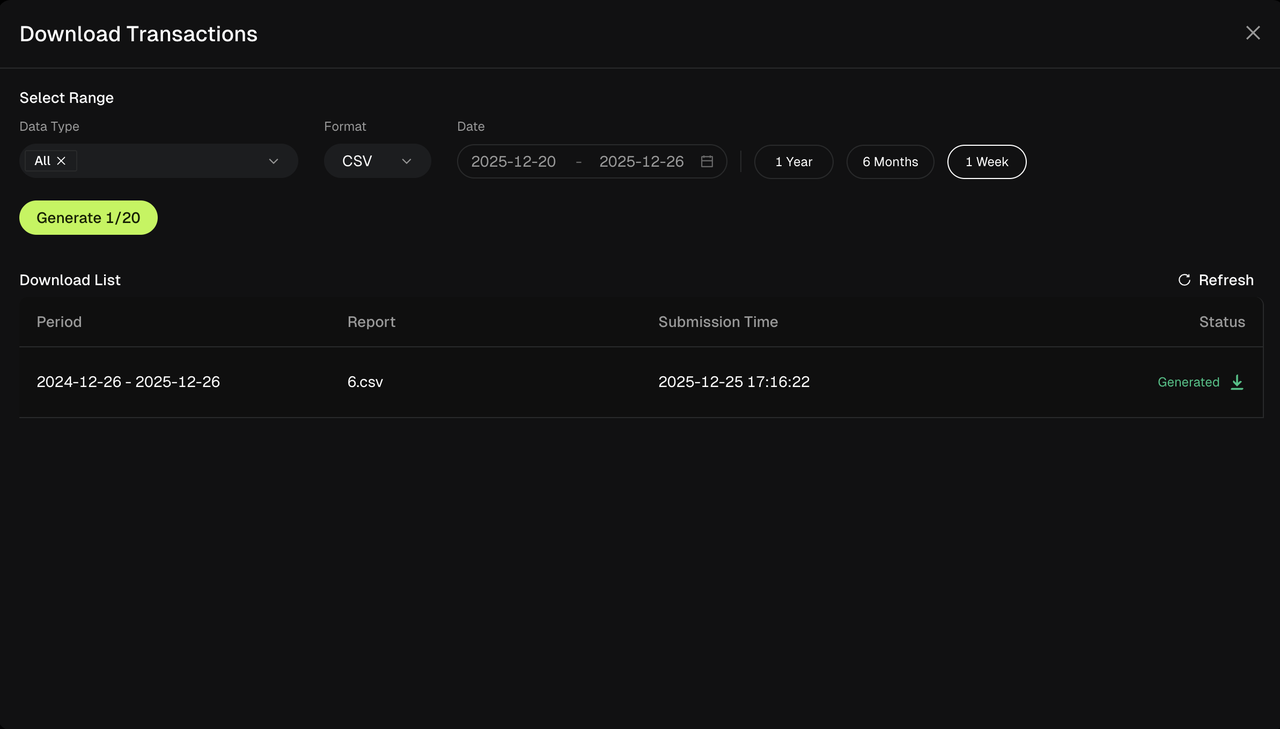
A dark-themed interface for downloading transactions shows options to select date range, format (CSV), and data type. A report for 2024-12-26 to 2025-12-26 is generated and listed with details below.
We are continuing to expand Bitunix tools to better support real trader needs. More integrations and tax features will be added in future updates!
Happy Trading,
The Bitunix Team
Bitunix is a global cryptocurrency derivatives exchange trusted by over 3 million users across more than 100 countries. At Bitunix, we are committed to providing a transparent, compliant, and secure trading environment for every user. Our platform features a fast registration process and a user-friendly verification system supported by mandatory KYC to ensure safety and compliance. With global standards of protection through Proof of Reserves (POR) and the Bitunix Care Fund, we prioritize user trust and fund security. The K-Line Ultra chart system delivers a seamless trading experience for both beginners and advanced traders, while leverage of up to 200x and deep liquidity make Bitunix one of the most dynamic platforms in the market.
Bitunix Global Accounts
X | Telegram Announcements | Telegram Global | CoinMarketCap | Instagram | Facebook | LinkedIn | Reddit | Medium